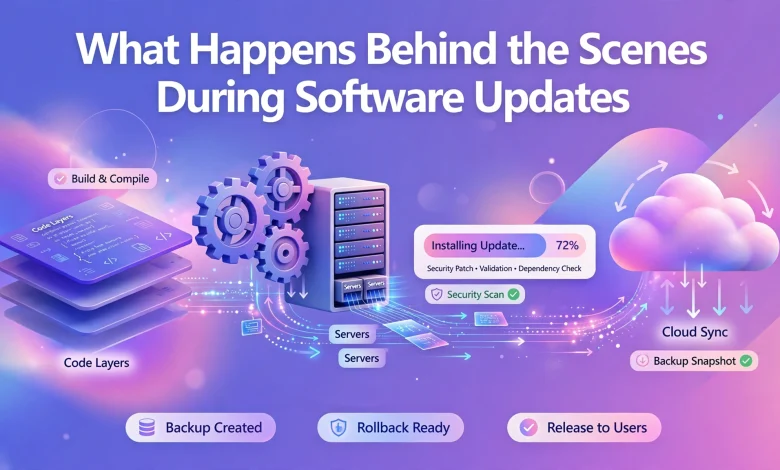
When the user sees a pop-up message informing him/her about the availability of a software update, he/she might think that the process is as simple as one-two-three. Yet, there are numerous procedures that take place before, during, and after the update. First of all, the software is updated to resolve existing bugs and/or improve its security, functionality, and stability. Moreover, understanding all the processes that take place during an update makes one realize why software updates consume much time.
Checking for an Update
This phase includes the basic step of software checking for an update. A particular application, OS, or device connects to an update server, which stores the most recent version of software. Afterward, the system compares the current version of a program with the one available for download.
Downloading Update Files
The second stage is the actual downloading of update files. It implies that the system has acknowledged the availability of a new version and is ready to install it. In recent years, applications and systems have been updated in a smarter way: only those files that have changed are downloaded.
Verifying the Update
It is crucial for any system to verify the integrity and authenticity of downloaded data to ensure that it is not corrupted or fake.
Backing Up
This step is also referred to as “taking a snapshot.” Some programs and systems develop safety mechanisms, namely, a built-in update mechanism, which creates a backup in case of a failure.
Preparing a System for Update
The update tool prepares the computer or a phone for changes, which may include the closure of some windows or services. During this phase, the system might additionally check the amount of memory and overall compatibility with the upcoming update.

Replacing or Installing New Files
It is during this stage that old files are replaced by the new ones or new elements are added to the software. In addition, the system might edit specific instructions and configurations. After that, the programs should operate stably without any updates.
Updating Databases
The process of updating databases and related settings is necessary for the proper functioning of databases. For instance, when a new feature is added to a program, its database is updated in order for the former to work properly with the latter.
Installing Security Fix
Malfunctioning software and applications are usually the target of cyber attackers. Hence, to resolve the existing bugs and threats, software producers develop and distribute security updates.
Testing
After the software is updated, all the changes are subjected to testing. It is necessary to check whether the program runs smoothly and fulfills its functions correctly. If there arise some issues, the developers are to examine the update and produce a new version of the program.
Restarting and Completing
The last step is the closing and restarting of the system after the update and/or completion of all processes. It is during this phase that the system is fully updated and operational. The new version also allows a user to find out what has changed and how the program will be further operated.
Conclusion
Software update is a safety measure that requires numerous procedures to be taken. All of them are necessary for a computer or a phone to run smoothly and to provide the safety of the user. Although an update consumes much time and sometimes requires a reboot of the system, it is a worthwhile operation. Additionally, the understanding of the updating mechanisms explains,

why programs require a significant amount of memory and why they must be shut down before rebooting.
Thanks