A Complete Guide to Understanding Software Updates and Their Importance
Software Updates

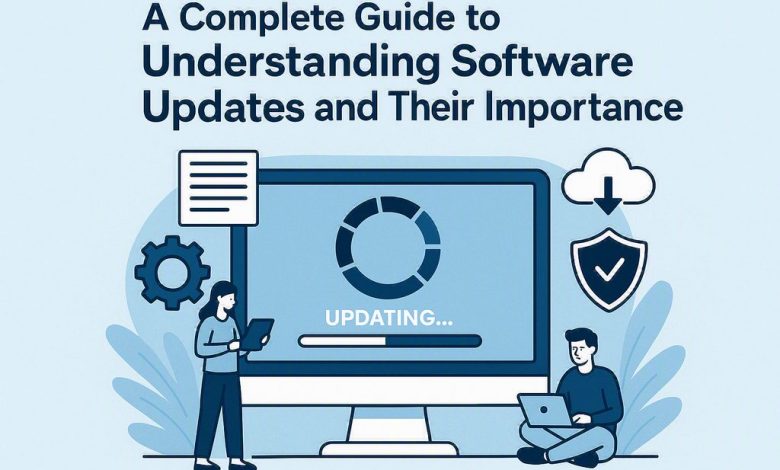
For one reason or another, it’s very easy to ignore or neglect these little-seeming update notices, but they actually make a huge difference in terms of keeping your entire computer infrastructure up and running, secure, and updated. Let’s take a closer look at what these software updates are actually doing for you, and why paying attention to them makes all the difference.
Software Updates Are Not Just a Bad Pop-Up!
Software updates are code-written pieces designed by the software vendor to install on top of existing software. They exist to fix flaws, enhance your system’s capabilities and features, improve its security and patch the holes that previous versions left open.
Let’s Break Down the Updates
Maintenance updates – bug fixes: these updates are specifically intended to fix or patch any bugs that may exist in a software program. Whether it’s glitching, error messages, or weird performance glitches, maintenance updates have got you covered.
Security patches – for your security!: in a nutshell, these updates are used to patch and close off any security vulnerabilities in a software program. These are the patches that are going to keep malicious attackers and hackers at bay and out of your systems.
Feature updates – new functionality!: the purpose of feature updates is to add or update certain features or capabilities of a software application, to further improve a user’s experience.
Performance updates – speed it up!: as their name suggests, performance updates aim to improve the overall speed, efficiency, and performance of a given system or software application.
Major Categories of Software Updates
Depending on the level of importance, it’s possible to categorize software updates in one of these forms: security updates, feature updates, maintenance updates, and major version updates.
Why Security Should Take the Spot
For every type of update available, one always deserves your most immediate attention: security. It’s the main thing because of better defense against threats! The majority of all cyberattacks succeed by targeting known security holes. Installing security updates is simply the best method to keep them at bay.
Preservation of sensitive data: the main goal behind most security patches is to prevent data theft or unauthorized access to your private information.
Ignoring Updates Don’t Do It
If you fail to install updates in a timely manner, you could be inviting several serious and potentially harmful consequences.
More vulnerability to attacks: by not updating, you’re essentially leaving holes open for attackers to exploit. In other words, it’s the same as leaving the front door of your house wide open!
Obsolete hardware and software: after some time, older versions of software will become incompatible with the new operating system or other latest applications that you might try to run. Frustration can build up.

Lingering performance issues: the root cause of most performance problems can be attributed to issues with the software itself. Unless fixed, the issues will remain present.
Loss of support: after years of updates, vendors eventually cease offering updates, maintenance and tech support for previous software versions.
So What Do I Do Smart Ways to Handle Your Updates
While not always easy, there’s a fine balance between promptly updating your systems and managing the installation of larger updates.
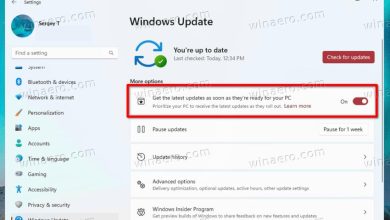
Automate! Let the system do the work: for most essential and security updates, there’s no need to manually track and install them. When your software requests an automatic update, just hit “Yes”!
Schedule ahead: for large updates that may cause significant disruption, schedule them to be installed outside your normal working hours, or when the system isn’t in active use.
Backup your data: before installing a critical update that involves significant data changes, or before attempting a major version upgrade, it’s always best practice to back up all your important files and data first.
Business Updates
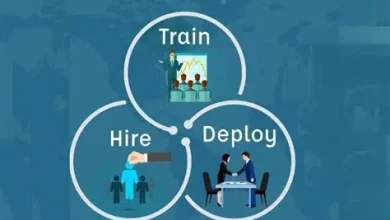
In the corporate world, a dedicated IT team is responsible for updating their computer systems, and often uses centralized tools to manage and push out updates for all employees. Here are some aspects of updating in an organization.
Centralized management an IT department usually utilizes an update management solution to automate deployment, installation and monitoring of updates for all machines in a company.
Testing before deployment IT professionals first thoroughly test all updates in a controlled environment before rolling them out to the entire organization to prevent unforeseen problems.
Education IT professionals teach employees about the importance of updates and their benefits in maintaining a safe computing environment.
Regulatory compliance depending on the industry a business operates in, they may be required by regulations to have updated software for all systems.
Common Myths About Updates
Many misconceptions about software updates can lead users to believe that updates aren’t important, but this simply isn’t the case.
If it’s not broken don’t fix it. This couldn’t be further from the truth in today’s digital age. While an update can sometimes cause issues, it usually improves overall functionality and stability.

Updates are optional – most of the time this isn’t true. Security updates are crucial to the integrity of your system and are essential.
Thanks