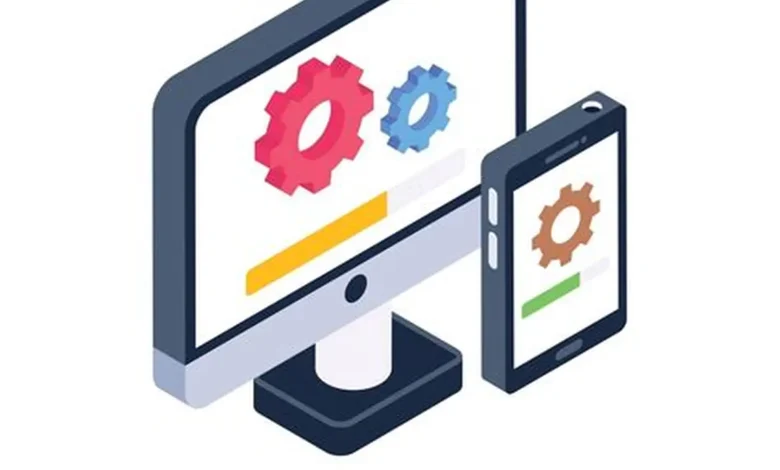
System updates are something that every person clicks “install on but they play a huge role in how your phone, laptop or software works every single day. When you get update notifications they can sound vague or technical. They usually have a mix of things that make your device work better fix security problems and add new features. So what is actually in your system update? Let us break it down.
1. Security Patches, The Important Part
The biggest reason companies release system updates is to keep your device secure. Cyber threats are always there. System updates are designed to protect your device from risks.
System updates often include things like:
* Fixes for discovered security problems
* Protection against software and spyware
* Improvements to encryption systems
* Patches for weaknesses in apps and the system
Even if you do not notice any changes these system updates are working in the background to keep your data safe. System updates are really important for keeping your device secure.
2. Bug Fixes and Stability Improvements
No software is perfect and over time people who use it find glitches, crashes and performance issues. System updates often focus on fixing these problems.
Common bug fixes include things like:
* Apps closing unexpectedly
* Wi-Fi or Bluetooth connection issues
* Battery drain problems
* Audio or display glitches
These fixes make your system more reliable and smooth to use. System updates are necessary for fixing these problems.
3. Performance Enhancements
System updates often improve how efficiently your device runs. These changes may not be visible. They make a noticeable difference in speed and responsiveness.
Performance improvements can include things like:
* App loading times
* memory management
* Reduced background processing
* Improved battery optimization

This is especially important for older devices that need better resource handling. System updates can really help with this.
4. New Features and Tools
Some system updates introduce features that make the user experience better. These can range from interface tweaks to functionality upgrades.
Examples include things like:
* Updated user interface design
* New accessibility options
* Camera or photo tools
* Improved notification systems
These features are often highlighted in system update announcements but may be discovered gradually by users. System updates can bring a lot of features to your device.
5. Driver and Hardware Compatibility System Updates
System updates ensure your device works well with new hardware and accessories.
They may include things like:
* Printer and external device support
* Graphics driver improvements
* compatibility with apps
* Support for updated peripherals like headphones or smart devices
Without these system updates newer devices may not function properly. System updates are necessary for keeping your device compatible with hardware.
6. Background System Optimization
Some of the changes happen behind the scenes. These system updates improve how the system manages resources and processes.
This includes things like:
* Power distribution across apps
* Optimized CPU usage
* Smarter background task handling
* Improved system startup speed
These changes help your device feel faster and more efficient over time. System updates are always working to improve your device.
7. Privacy Improvements
Modern system updates often include privacy controls to give users control over their data.
Enhancements may include things like:
* app permissions
* Better location tracking controls
* Improved data sharing settings
* Stricter background data access rules
These features help protect your information from exposure. System updates are important for keeping your data safe.
8. App Ecosystem System Updates
Sometimes system updates also improve built-in apps or the app ecosystem itself.
This can involve things like:
* Updated system apps, such as the browser, gallery, settings
* Better integration between apps
* Improved app store performance
* Bug fixes in -installed software
These improvements help create a smoother overall experience. System updates can really improve the app ecosystem on your device.
Your latest system update is more than a download. It is a combination of security protection, performance improvements, bug fixes and new features working together. While many changes happen behind the scenes they all contribute to an more reliable device. Installing system updates regularly ensures that your system stays protected, efficient and up to date with technology.
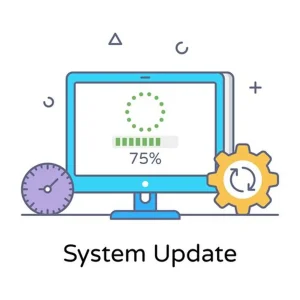
System updates are really important, for keeping your device running.
Thanks