Software Troubleshooting Guide for Building Better Digital Systems
Software Troubleshooting

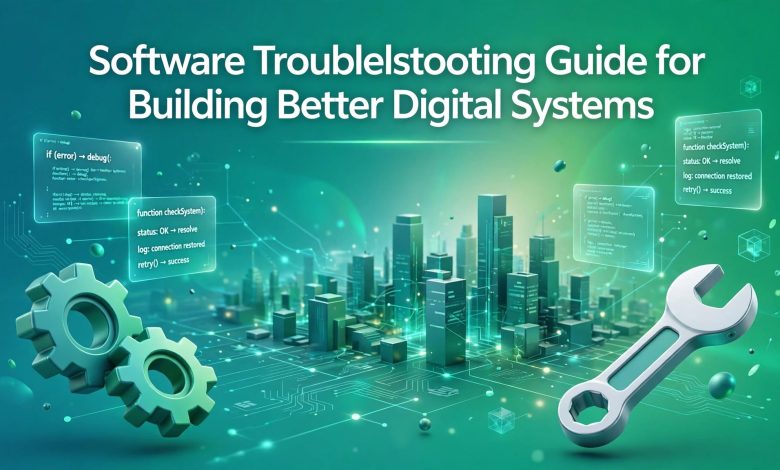
Software is extremely important in business, education and throughout daily life. However, problems can occur within software including crashing, slow performance, installation issues and incompatibility. Resolving these issues in software can allow systems to function efficiently. Basic software troubleshooting can be useful to allow systems to be well maintained and to prevent technical problems.
Know the Issues
Common software problems include freezing, error messages, failure to open and slow performance. These problems can be caused by out of date software, inadequate system resources, corrupt files and incorrect settings. Becoming familiar with the issues can help you understand what may be causing the issue and which solution to try.
Reboot
A commonly used solution to software problems is to reboot. Sometimes software will be running incorrectly due to temporary issues in the program, or due to memory issues. If a program is frozen, closing the program and re-opening it may fix the issue. If the issue still occurs, rebooting the device can give new resources to the device and solve minor technical issues.
Update Software
Updating software can make software more secure, stable and compatible. Developers often put out software updates to fix problems, improve performance, and add beneficial features. If software is out of date there may be errors or compatibility issues with more recent OS. To ensure that your software is up to date, regularly check for updates from official sources and follow the recommended steps to update software.
Ensure Software is Compatible
Some software may not be compatible with some devices. Software will require certain hardware specifications, OS versions, amounts of memory and storage. If incompatible software is installed it may cause software to crash, fail to install or cause performance issues. Before installing software, make sure that it is compatible with your devices by checking the required system specifications.

Fix Installation Issues
If software is having installation issues then it may not function properly. This can be due to inadequate storage, incomplete download, incorrect permissions, or corrupted files. To prevent this, download software from trusted websites. Make sure there is enough storage space, and carefully follow the installation steps. If the software fails to install, delete incomplete files before re-installing.
Free Up System Resources
Having inadequate storage or memory can cause performance issues with software. If too many programs are open at once, software may freeze or close unexpectedly. Removing unnecessary files, closing un-used programs and monitoring the amount of resources being used by your system can be useful. Ensuring there is enough storage space free, and controlling background processes, means that software can run more quickly and efficiently.
Investigate Error Messages
Error messages can be very useful in helping you identify software problems. Read the error message carefully, and note down any error codes and suggested solutions. Diagnosing tools, error logs and official support pages can also be helpful to find technical issues. Knowing how to make use of these tools will make solving software issues more accurate. This minimises guessing when attempting to fix the problem.
Ensure Protection
Issues in protection can cause problems with software and mean sensitive information is vulnerable. Malware, suspicious downloads and unsafe software can cause unexpected issues in your system. Installing safe protection software, using the correct protection functions on devices, and avoiding downloading software from unknown sources will help to prevent issues. Performing regular security checks and back-ups can also protect digital systems.
Regular Maintenance
Performing regular maintenance on software can help identify potential issues. Regularly check how well software is performing, if there have been updates, the amount of storage space available, and back-ups. In businesses, processes can be put in place to troubleshoot issues, and staff can be trained to report technical issues. Regular maintenance within systems means less downtime, and more reliable digital systems.
Conclusion
Understanding how to troubleshoot software can allow efficient and reliable digital systems. By knowing common issues, updating software, ensuring compatibility, managing resources and ensuring protection within systems, many technical issues can be resolved. Performing regular checks and maintenance will reduce the likeliness of issues occurring repeatedly. Having basic knowledge of software troubleshooting in individuals and businesses can improve performance of software,

protect important information and allow smooth digital systems.
Thanks